For Mac developers · by Timeskip
Get your disk space back from Xcode.
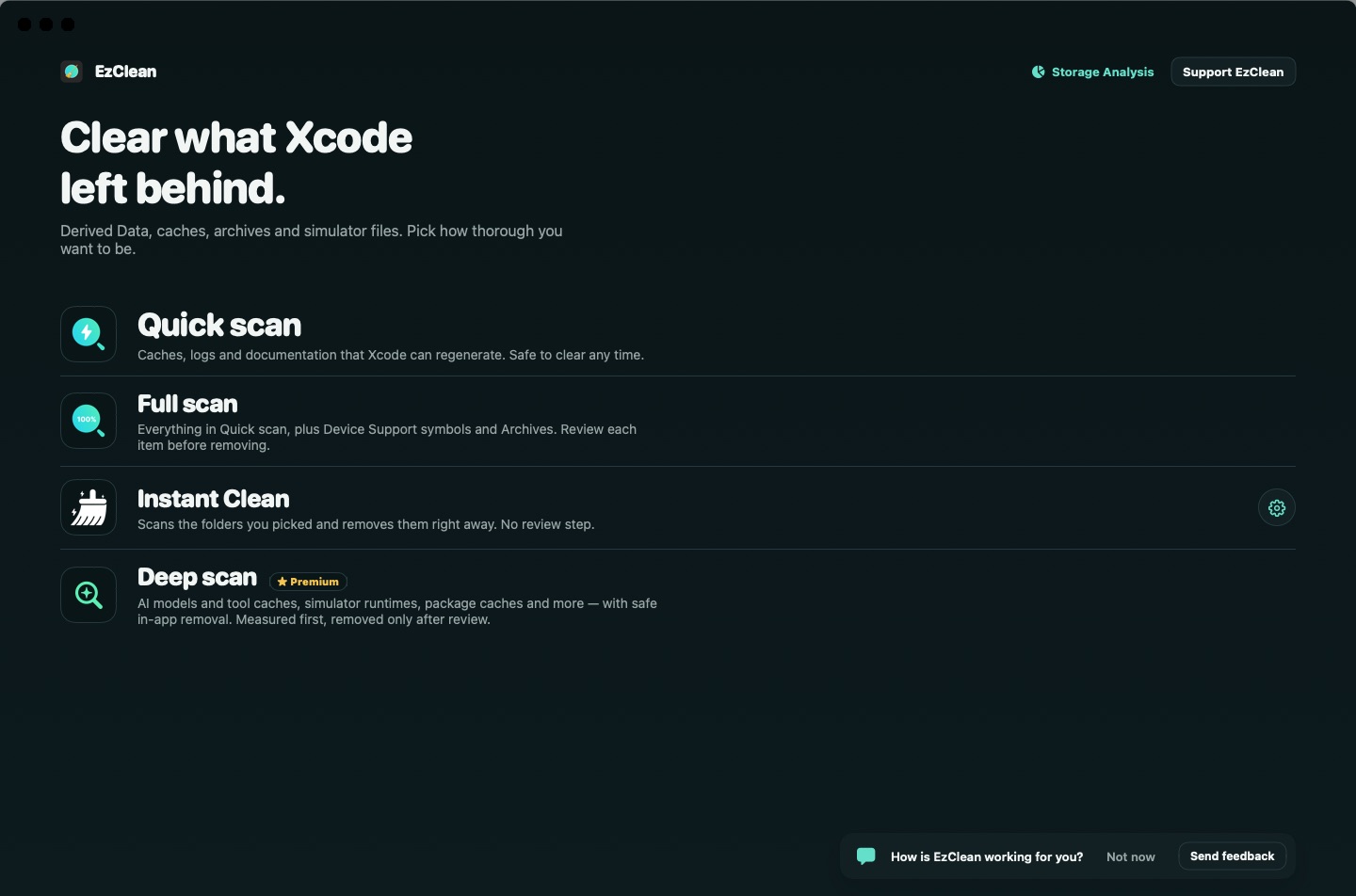
EzClean finds the caches, build products, simulator data and other developer leftovers that quietly fill up your Mac, shows you what each one is, and removes only what you choose.
Quick and full scans
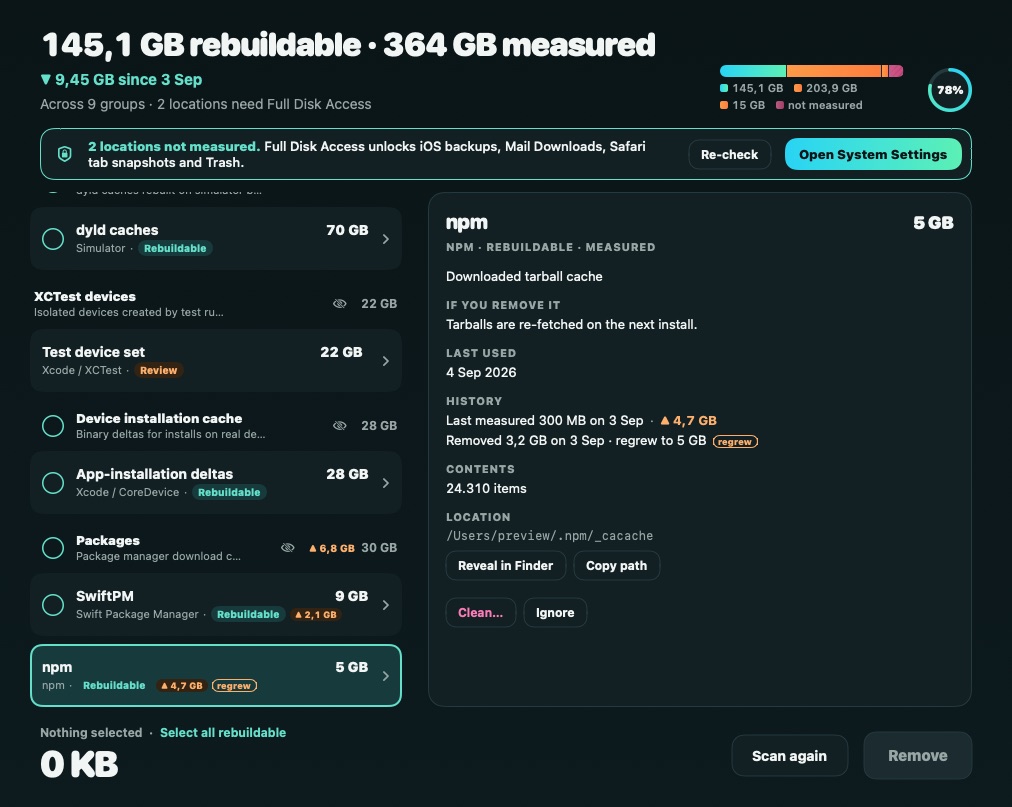
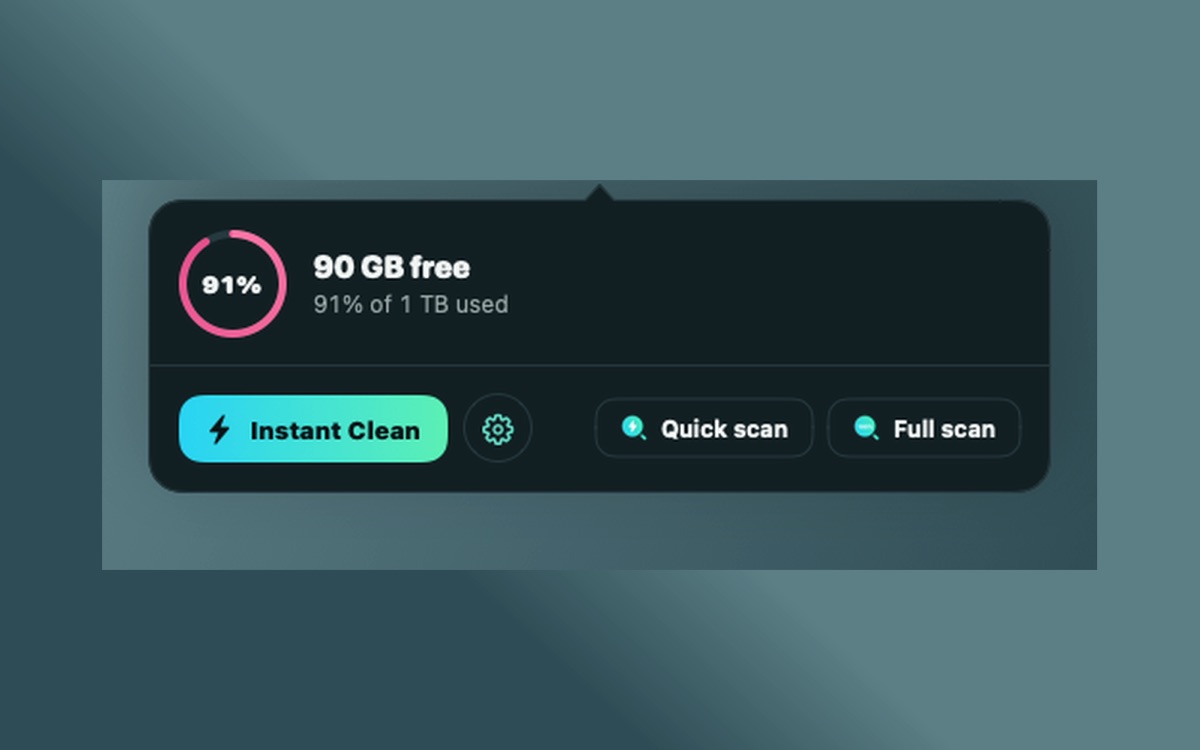
DerivedData, archives, device support files, SwiftUI previews and caches, measured and grouped so you can see where the space went. Instant Clean and a menu bar view keep it one click away.
Deep Scan
Part of EzClean Premium. Looks further for simulator runtimes, package manager caches, IDE data and AI model and assistant caches (Hugging Face, Ollama, LM Studio, Claude, Codex, Cursor), and explains what removing each item means.
You stay in control
Scanning happens on your Mac. Nothing is deleted until you review the list and confirm, and system and protected locations are skipped.
See it in action
In development
AI-assisted cleaning schedules, powered by Claude
We are building a feature that uses Anthropic's Claude to analyse how storage on your Mac grows over time, which tools and projects drive it, and suggest the right scanning and cleaning schedule for the way you work. Before it ships, the Privacy Policy will be updated to describe exactly what it sends.
More
- Support and FAQ: contact us, manage or cancel a subscription, restore purchases.
- Privacy Policy: what the app collects and why.
- Terms of Use: including EzClean Premium subscription terms.